
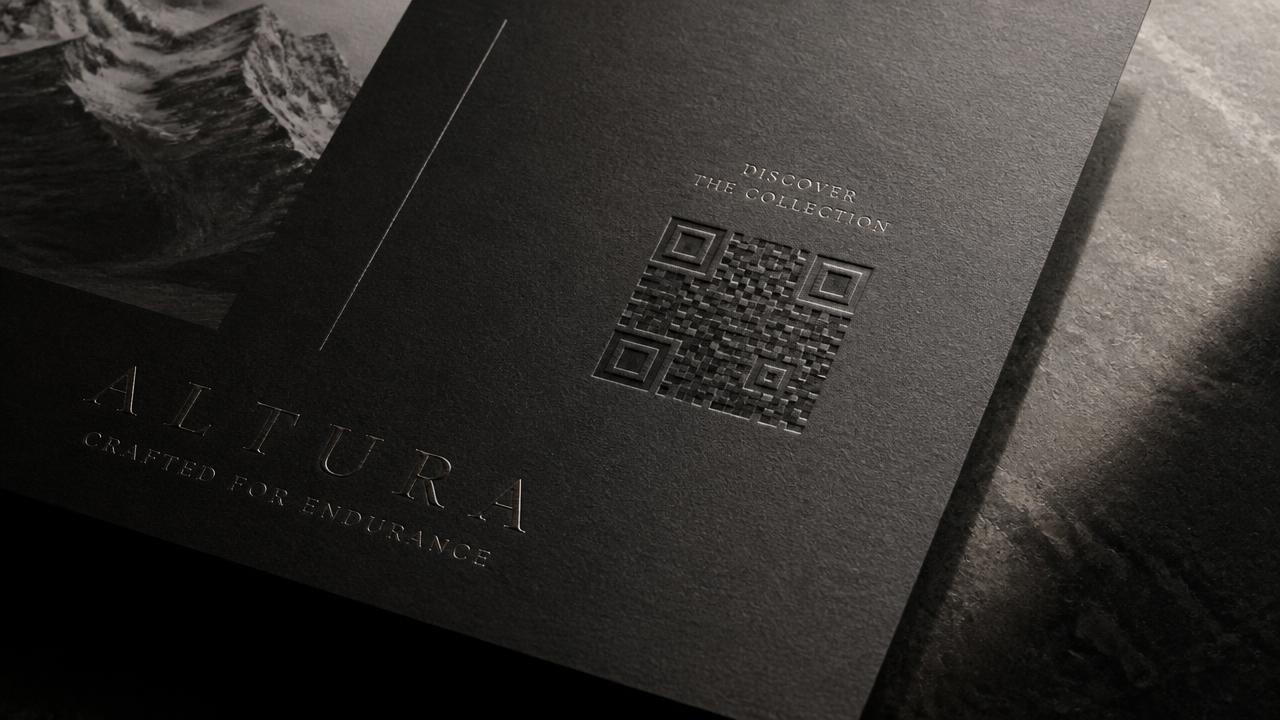
Treat the code as part of the layout
A code dropped into a corner at the last minute reads as a service element. A code set with the same care as the logo reads as an invitation. Give it margin, alignment to the grid, and a caption that promises something specific.
In luxury print, spot varnish, blind emboss and foil all work — as long as contrast between modules stays high enough for a phone camera in fair lighting.
Wording that outperforms 'Scan me'
Tell the reader what appears, not what to do with their phone. 'See this model at true scale in your room' or 'Open the interior in 3D' consistently beats a generic instruction.
- Name the product, not the technology
- Promise one concrete outcome per code
- Keep the caption under eight words
- Use a separate code per product so analytics stay readable
Image tracking versus a plain link
With image tracking the printed page itself becomes the anchor: the 3D model rises out of the catalogue spread. It rewards the reader for keeping the brochure in hand and makes the print run part of the digital experience.
Reserve world tracking for the products people want to place in their own space — furniture, machinery, vehicles.
Print, then keep improving
Codes should resolve through your own short domain so the destination can change after the catalogue is printed. Same paper, new experience, no reprint.